Share to the Haberdashery — community quilts
The community gallery: browse quilts other quilters shared, copy one into your project, or share your own.
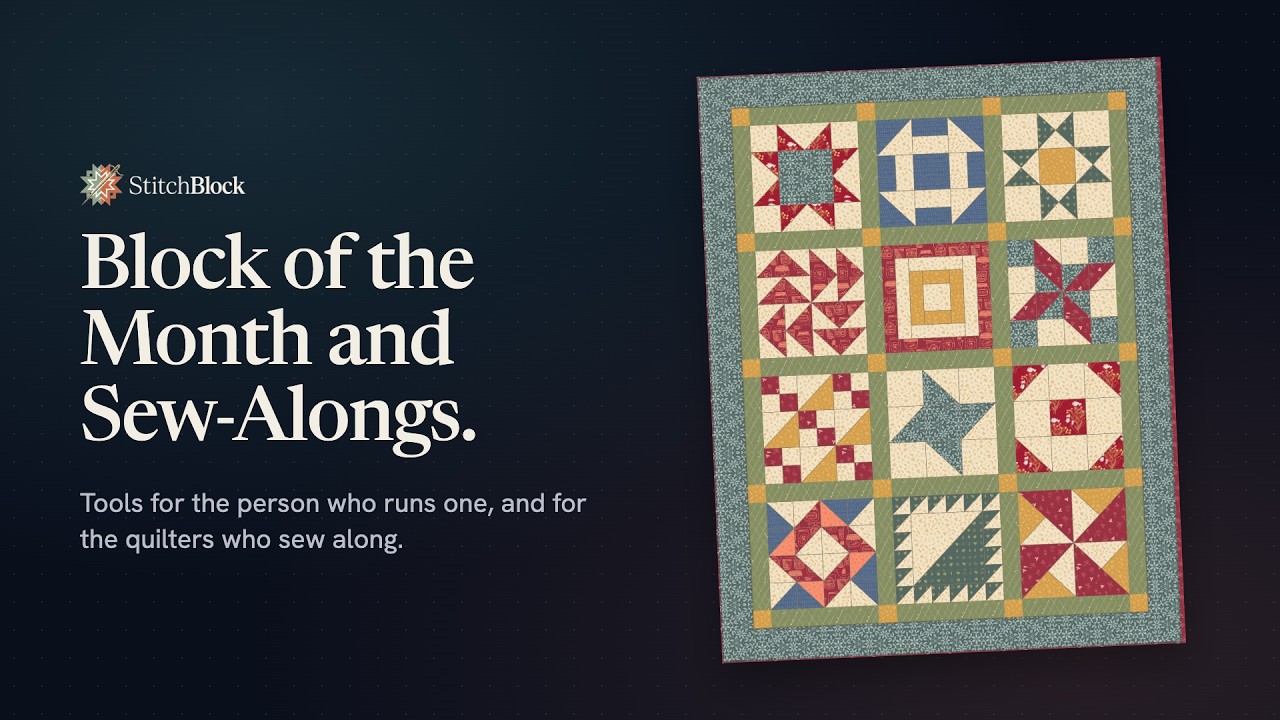
StitchBlock Block of the Month & Sew-Alongs: Handouts, Yardage & Colorways Watch on YouTube, bigger and with chapters
The Haberdashery is StitchBlock’s community gallery — finished quilts in the fabrics their makers actually used. Anyone can browse. Copy a quilt and it opens on your worktable as a design of your own, with its cut list and yardage, yours to recolor, resize, and recut. It also saves to your Designs library, ready to grab in any project, when the library has room. How many saved designs the library keeps is in What's free, and what does Maker add?
Browse, copy, make
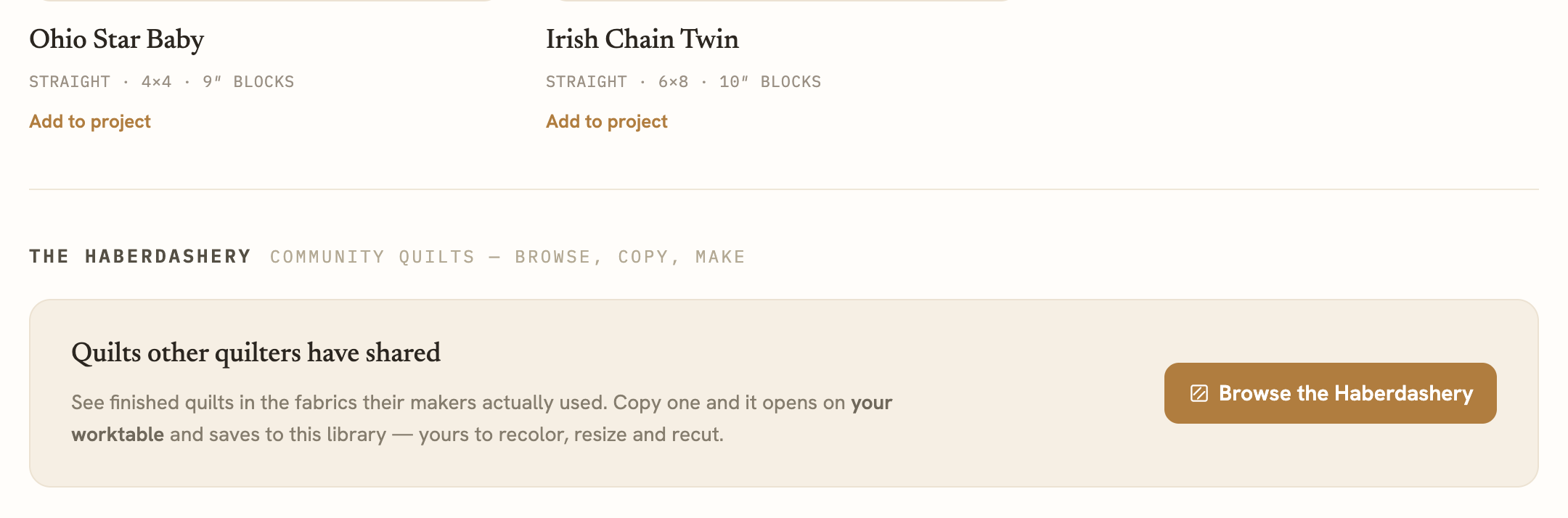
Open Libraries → Designs: the Haberdashery button sits in the header, and the Haberdashery shelf waits below the saved designs. Both lead to the gallery.
Share your own
The Share button in the top bar opens Share to the Haberdashery for the design you have open. Sign in first — publications are tied to your account, not this device. A shared quilt goes through a quick review before it appears in the gallery, and My Haberdashery quilts (under your account menu) tracks where each of yours stands.
Tip: Sharing never gives your project away — the gallery shows the design, and a copy someone takes becomes their own separate design to make their own.