Can I install StitchBlock — and use it offline?
Install the app from your browser, with no app store, and know what keeps working without internet.
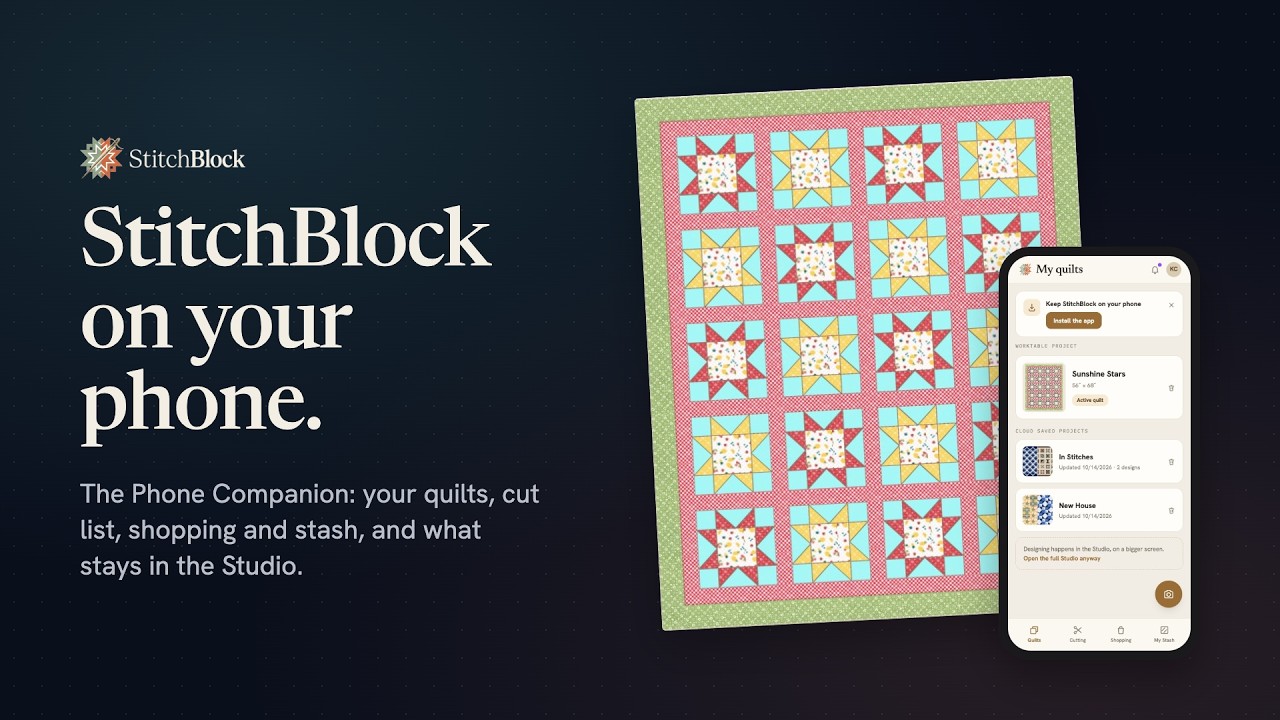
StitchBlock Phone Companion: Cutting, Shopping & Fabric Stash Watch on YouTube, bigger and with chapters
Yes to both. StitchBlock is a web app that installs like a program. There's nothing to download from an app store. The browser you already use puts it on your machine. After that it opens in its own window with its own icon, like any other app.
Installing on a computer
Open StitchBlock in Chrome or Edge and look for the install icon at the right end of the address bar, or “Install StitchBlock” in the browser's menu. Accept, and the app gets its own window and an icon on your taskbar, desktop and Start menu. Installed or in a browser tab, it's the same app with the same work. Installing changes where it opens on your screen, never what it can do.
On a tablet or phone
In Safari on an iPad or iPhone, tap Share, then Add to Home Screen. In Chrome on Android, tap “Install app”. The icon opens StitchBlock full screen, with no browser bars.
The link to open on your phone is in Settings under Phone Companion. Copy link lets you text it to yourself. When you're signed in, Email me the link mails it to your account address. On the phone, your account sheet offers the same install.
What works offline
Once you've opened the app while connected, it opens and runs without internet. Your projects are on the device, so designing, placing blocks, painting fabrics, layout changes and cut lists all work. The Help and Technique pages work offline too.
Your fabric is kept too. Every fabric your quilts and stash use is on your device, with its picture and its cutting details, so a design opened offline draws and cuts as it did online. Fabric you added while connected is yours offline.
What still needs a connection
Finding new fabric. Browsing the Fabric Library and bringing in collections need the internet. Offline, fabric search shows names only, with no pictures until you're connected again.
Signing in, saving to your account, sharing designs and printing also wait for a connection. The pattern and the cutting pages are made by StitchBlock's print service, and the pictures of your fabric come from the Fabric Library. Nothing is lost in the meantime. Your changes save to your account on their own the next time you're online.
Check that you're signed in before you go
Open StitchBlock while you're still connected and look at the top right corner. Your initials there mean you're signed in. If you see a round “?” instead, tap it and choose Sign in before you leave, because signing in needs the internet. On a phone, the corner shows a Sign in button.
Signed in, your Maker pages keep working offline for up to a week since you last opened StitchBlock online. Anything you change saves to your account on its own once you're connected again.
One thing to know: your offline work is kept in this browser's storage on this machine, and a browser can clear that storage without asking you. When a quilt matters, choose File → Save project. The file on your computer is the copy you own, and it opens anywhere.