A label for the quilt back
Design an embroidered label with your name, who it’s for and the date. It sews in one hooping, straight onto the backing (Direct Embroider) or, for a rectangle label, as a patch that turns under and hand-stitches on (Turned Under and Stitched).
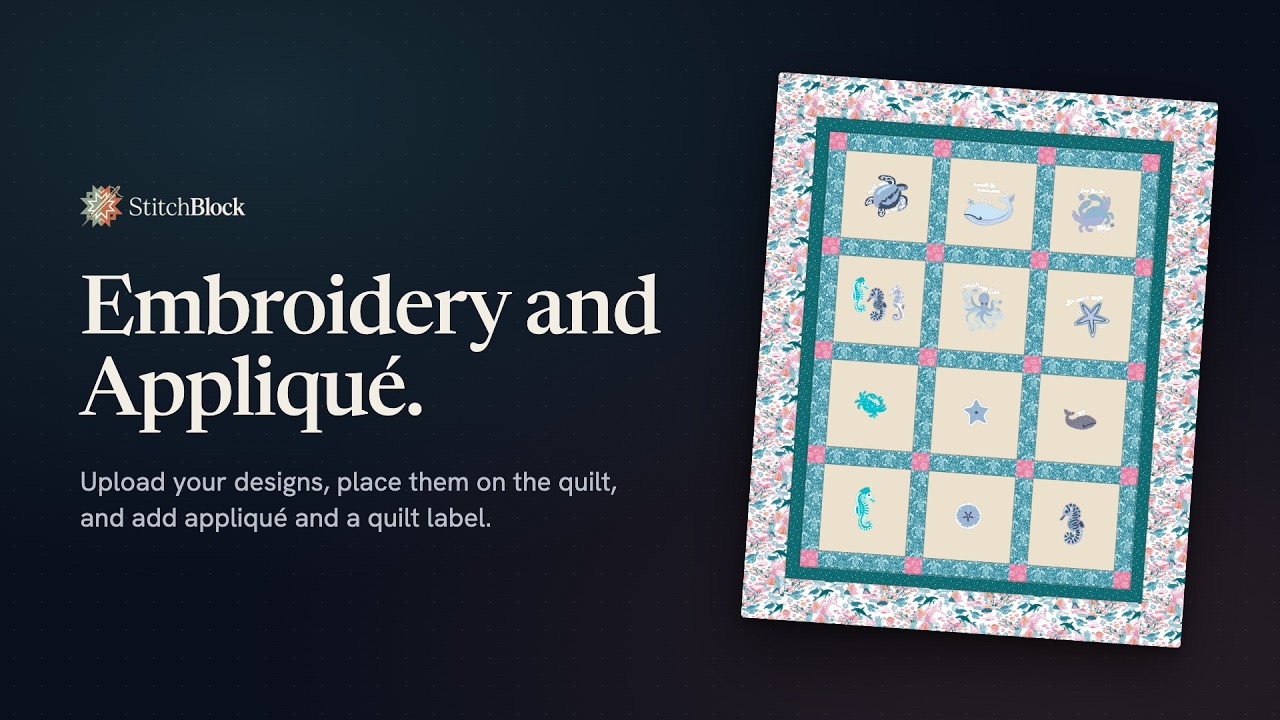
StitchBlock Embroidery & Appliqué: Upload, Place, Fussy Cut & Quilt Labels Watch on YouTube, bigger and with chapters
Every finished quilt deserves your name on it. StitchBlock’s label is an embroidered label for the quilt back. It stitches in one hooping, and the app plans it like everything else, so what you see is what sews.
There are two ways to put it on. Direct Embroider: embroider it straight onto the backing before the quilt is layered, so it can never be picked off. Turned Under and Stitched is for a rectangle label: stitch it on its own patch, turn the edge under on the printed template, and hand-stitch it to the finished back. No quilting runs through it. The Binder’s Quilt Label sheet has the steps behind its Instructions button, and prints them on their own sheet.
Open the Inspector’s Add-Ons tab and turn the Quilt label card on. The designer opens right on the card.
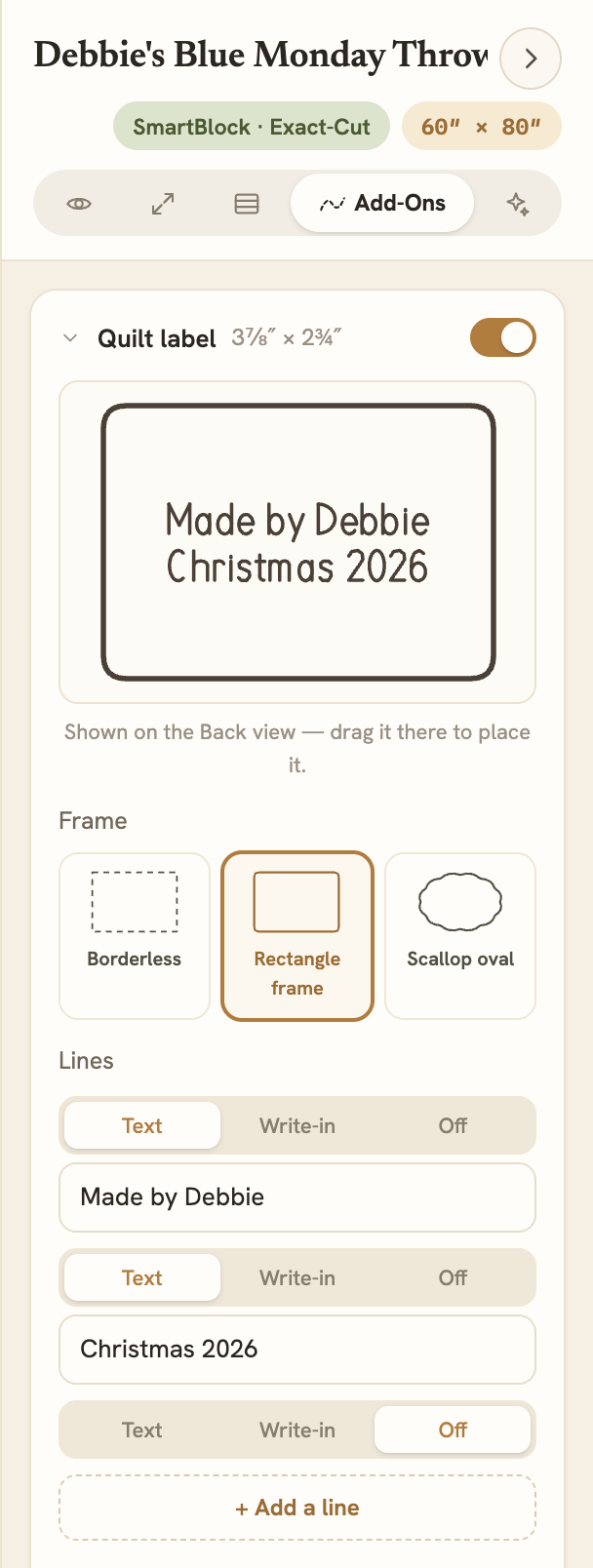
Pick a frame: borderless, a rectangle, or the scallop oval. Then fill in the lines. A label has 3 to 5 lines. Each line can be embroidered text (“Made by…”, a name, a date), a write-in line you’ll pen by hand, or off.
Pick your thread from real spools in the brand lines. There are two thread picks: Frame, when the label has a frame, and one Text thread for all the lines.
Check that Your hoop shows the hoop you’ll sew with. If the card says Too big for this hoop, tap Shrink to fit.
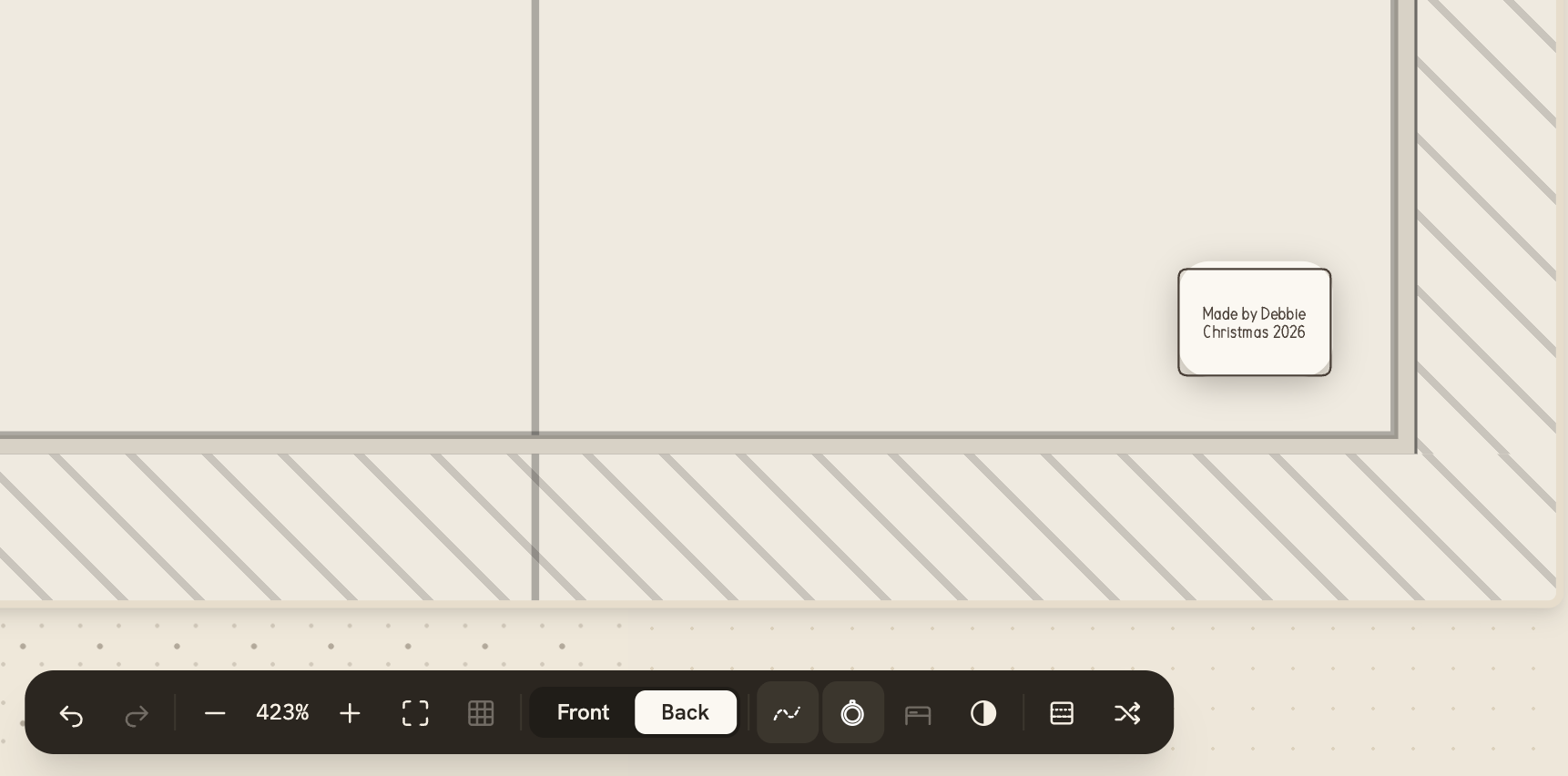
Use the Front/Back switch under the quilt to go to the Back view and see the label in place. Drag it anywhere, and the arrow keys nudge it. Labels sew square, so the label does not rotate.
When it’s right, tap + Save this label under My Labels. Your saved labels are there in every project, ready to put on the next quilt.
The Binder’s Quilt Label sheet shows the label as it stitches and the back with it in place. Its cards are Hooping, Label, Placement, Stitches & thread and Download Files, where you download the stitch file for your machine. The printed sheets add the instructions and, for a rectangle label, the Turn Under and Stitch Template at true size.
Tip: Put the year on it. Ten years from now, the label is the part of the quilt everyone reads first.