Share a design
Send your project file, share a design to the Haberdashery, or put a design on your own website.
There are three ways to share a design.
Send the file
Your project file is the whole project, with every design inside it, and it opens on any computer. Tap File → Save project, then send the file any way you like.
To share just one design, tap the save button on its row in the Designs panel to save it to your library. Add it to a new project from Libraries → Designs, and save that project. Why the file is the copy to keep is in Where does my work live?
Share to the Haberdashery
The Share button in the top bar sends the design you have open to the Haberdashery, the community gallery. Other quilters can browse it there and copy it. More in Share to the Haberdashery.
Publish an embed
The braces button in the top bar, { }, puts this design on your own website as a quilt your visitors can recolor. It opens Publish embed, which has four steps. What visitors see shows beside every step.
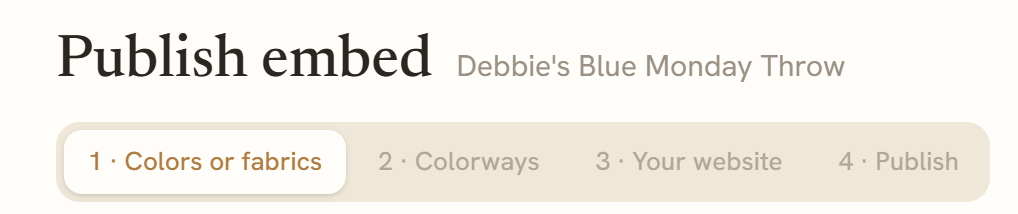
Colors or fabrics: choose one. Plain colors is for anyone with a website or blog: colors and colorways stand in for fabrics. Library fabrics is for manufacturers, fabric designers, quilt shops and affiliates, and requires the manufacturer's approval. Tap Ask to use real fabrics to request it.
Colorways: name a fabric in your own words, or lock it to keep it as you designed it. Add up to five more colorways for visitors to try.
Your website: type the name to show and the address of each website your quilt goes on.
Publish: tap Publish, then copy the code for your website.
Unless you are approved for Library fabrics, it is best to design your quilt with a hex colorway or plain colors, so the embed matches what you designed. See The Colorway Creator. If your quilt uses fabrics, choosing Plain colors makes a plain color copy of it for you: each fabric becomes its main color, and your original quilt stays as it is.
After you publish you see The code for your website, to paste where you want the quilt to show, and A link to your quilt, which works even without a website. Earlier versions lists each time you published, and Go back to this one puts an earlier one back.
A website’s first embed waits for StitchBlock to approve it. Your embeds are listed under My Embeds in your account menu. Publishing is part of Maker: see What's free, and what does Maker add?